
Fields for what you need to ask. Text, email, phone, national ID, date, select, checkbox and long text, on one page or several.
View documentationAsk for the data and the consent in the same form.
Build the form in the dashboard and share it by link, QR code or inside your site. Every response is stored with the consent the person accepted, including its version and evidence.


forms.soyio.id/acme/club-terms
acme.CORPORATIONContinue
Accept the new terms and conditions
We verify your identity to keep a record of who authorizes and when.
Acme Club terms and conditionsRequired
I authorize Acme Corp to use my purchase history to apply Club discounts and points. More information ⌄
acme.CORPORATION
All set!
We received your information.
BackThis is a consent form from Acme Corp. By completing it, you authorize the processing of your data for the stated purposes. Every action is recorded (what data you gave, what you accepted and when) so you have clear evidence of what you authorized and can review or revoke it later.
Acme Corp is the data controller; Soyio is its processor and provides the technology to record consent verifiably, without deciding how your data is used.
Powered by soyio
Trusted by privacy leaders at:
















The form keeps the data, but not the permission to use it.
A generic form leaves a row in a spreadsheet. All that remains of the authorization checkbox is a “yes”, without the text the person accepted.
club_responses.xlsx
NameEmailAccepts offers
María Josémj@correo.clYes
Tomástomas@correo.clYes
Camilacamila.s@correo.clNo
What that row can’t answer
- Which text did they accept?
- Which version did they sign?
- When, and through which channel?
If the response and the consent are stored in different places, you can’t prove later that they belong together.
Every response is stored with the consent that came with it.
Consent forms use the same templates and the same evidence as the rest of the Consent module. Your team builds them without code and publishes them wherever people are.
By link, QR code or embedded. A link for email or WhatsApp, a QR code for in-person service, or an iframe on your site.
View documentationThe same templates. Each consent is a versioned template, required or optional.
View documentationIdentity validation. Optional: the RUT and document number are verified with Chile’s Civil Registry before the consent is recorded.
View documentationEvery response with its version. Editing the form creates a new version. Responses stay linked to the one the person signed.
View documentationUpdates for your systems. Webhooks announce each response so you can create the contact in your CRM or send a welcome email.
View documentationHow consent forms work
From the form built in the dashboard to the response stored with its evidence. No engineering for the link and QR code, and the web SDK to embed it.
1Build the form
Build the form in the dashboard, without writing code
Validated fields. National IDs are validated by country, emails by format, and names accept letters only. Hidden fields receive values from your integration, such as the campaign source.
Required or optional consents. You pick templates that already exist in Soyio. A published form needs at least one required consent.
Pages and a final screen. Split the fields across several pages, with a progress bar or numbered steps, and set the closing message and button.
2Share it
Publish it by link, QR code or inside your site
Its own link. Every form has an address with your organization’s name, ready for an email, WhatsApp or printed material.
A QR code for in-person service. At a branch or an event, people fill in the form on their own phone.
Embedded with your brand. The web SDK shows it in an iframe inside your site, with your logo, color and typography. It only loads on the domains you authorize.
3The person responds
Every response records the consent and updates permissions
Data and consent together. On submit, Soyio stores the response and records the accepted consents with the same evidence as the rest of the module.
Permissions kept current. The person’s permission status updates automatically, and they can revoke it later from the privacy center.
Verified identity, if you need it. With validation on, the RUT and document number are checked against Chile’s Civil Registry before anything is recorded.
4Review the responses
Review each response with its version and evidence
A summary per form. Responses for the period, the data requested, and full and partial consent rates.
The detail of each response. The submitted data, each consent with its version and status, granted or revoked, and the event history.
Export and connect. Download the table as CSV or a single response, and use webhooks to create the contact in your CRM.
Asking for consent in a new campaign shouldn’t have to wait for engineering.
Book a demoWhat changes with consent forms
| Aspect | Generic form | With Soyio |
|---|---|---|
| Accepted text | A checkbox without its clause | The template and its version |
| Where it’s stored | A spreadsheet per campaign | In the consent record |
| New form | Goes through engineering | Built in the dashboard |
| Channels | One tool per channel | Link, QR code or embedded |
| Identity | Whatever is typed is trusted | Optional Civil Registry validation |
| Revocation | Requested by email and logged by hand | From the privacy center, with history |
More articles to read
Insights
Consent. Beyond a check box: a structural change in how personal data is used
8 min read · Feb 16, 2026
Opinion
Operational privacy under Law 21.719: from consent to devices
5 min read · Mar 27, 2026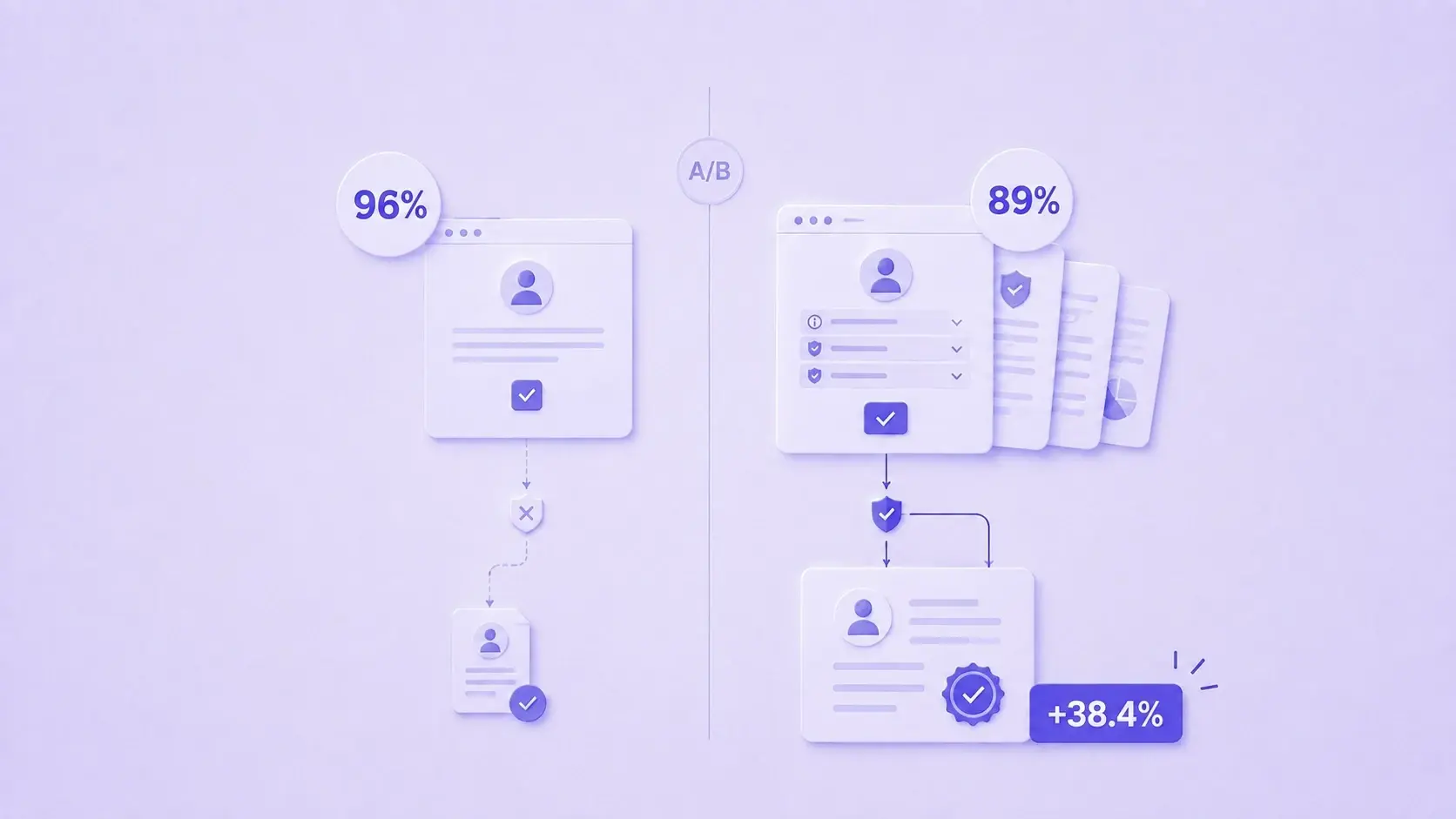
Insights
Transparency lifts conversion: what we learned designing consent under Law 21.719
6 min read · Aug 11, 2026Frequently asked questions
These are the questions that come up before publishing the first form. If yours is missing, write to us.
It’s a page hosted by Soyio that combines custom fields, such as name, email or national ID, with one or more consents in a single record. It’s configured in the dashboard and shared by link or embedded on your site.
The form works when you need to collect data and consent quickly, without building an interface. If you already have your own flow and consent is one step within it, the embeddable component is a better fit. Both use the same templates.
Not for the link and QR code: the form is built and published from the dashboard. To show it inside your site you use the web SDK, and if you prefer your own interface, there’s the API.
A new version is created, and earlier responses stay linked to the version the person signed. If you change the consent templates, you’re asking for a different consent and may need to request it again.
Yes, from the privacy center or through the API. The original response is kept as evidence that consent was granted, and the permission status is updated.
The form interface is available in Spanish and English. Consent clauses aren’t translated automatically: for another language, you create templates and one form per language.
Through webhooks, which announce each response, and the API, which lists and retrieves responses with their data. You can also download the table as CSV from the dashboard.
START TODAY
Make every form keep the data and the permission.
Book a demo to see how to build a form, share it by link, QR code or on your site, and prove every consent it collects.
Book a demoSubscribe to our newsletter
Privacy is making headlines
A weekly roundup of privacy, regulation, and technology news that could affect your business.
Subscribe (LinkedIn, opens in a new tab)