
One list per reason. No Molestar, email unsubscribes or one product's campaigns, each with its own scope.
View documentationCheck who asked not to be contacted before every campaign.
Exclusion lists record each restriction by channel and purpose, with where it came from and how long it lasts. Your systems check the status before reaching out, and every change is versioned with evidence.



dashboard.soyio.id
TransactionsTemplatesCreate transaction
SummaryLast 7 days
Restrictions recorded
9
↗ 12% vs previous period
Subjects on the list
8
Name, RUT, document number, +3
Partial compliance
2
↗ 8% vs previous period
Consent prevails
2
↗ 2% vs previous period
Search by ID or other text…
StatusCreatedDownload CSV
IDSubjectExclusion templateTypeRecorded byScopeCreated
rsttx_Hn3Yb8cQ_e5RtK2wLm0ent_FQr4...hmtUQDo not callBlocks sales contact by phoneRestrictionMLMaría L.GeneralApril 20, 2026at 19:32:43
rsttx_Pz6Wd1fG_j8JsV4nXc3ent_5fdA...Hjh4dNo promotional emailsExcludes from email campaigns and newslettersRestrictionCRCarla R.GeneralApril 19, 2026at 20:01:12
rsttx_Cm9Ur4tB_n2QaL7kYe6ent_KJD0...m3dgxFull marketing exclusionEvery sales contact channelRestrictionJPJosé P.Card productDowntown branchApril 19, 2026at 17:45:05
Trusted by privacy leaders at:
















An opt-out gets logged in one system and ignored by the rest.
A customer opts out over the phone. The call center logs it, but the CRM and the email tool never hear about it. The next campaign includes them again.
Example: a phone opt-outcus_3071
Day 1 · Call to the call center
Asks not to get any more sales calls.
- Call centerOpt-out logged
- CRMNo record
- Email toolNo record
Day 2 · SMS campaignIncluded
Gets the offer they asked not to receive.
- 01Where it's loggedOpt-outs scattered by channelEach channel keeps its own opt-outs: the call center in its system, email in its tool, and SERNAC's No Molestar registry in a separate spreadsheet. Nobody sees the full list.Lists are matched by hand before every send
- 02What it coversUnclear scopeOne person doesn't want marketing for one product, another doesn't want calls. If nobody records which channel and purpose were blocked, the rule gets applied too broadly or not at all.People are excluded from everything, or nothing
- 03What was recordedNo history of the changeWhen someone opts back in, the earlier opt-out gets deleted. Later, nobody can show when they were excluded, why, or who changed it.The spreadsheet gets overwritten
Excluding someone means little if you can't show later when and why.
Every restriction is recorded with its channel, its purpose and its evidence.
Exclusion lists keep track of who asked not to be contacted and where the request came from. Your systems check the status, or receive the change, before reaching out again.
New channels are covered too. Blocking marketing reaches email, SMS, calls, WhatsApp and any channel added later.
View documentationStatus before every contact. Restricted, partial or unrestricted, by organization, product or branch.
View documentationSealed, versioned evidence. Every change creates a new version with its origin sealed.
View documentationUpdates for your channels. Webhooks report every addition and removal to your CRM, call center or email tool.
View documentationWorks alongside consent. The most recent action wins, or always the restriction if you set it that way.
View documentationHow exclusion lists work
From the do-not-contact request to a campaign that leaves that person out. Lists connect through the API to the systems you already use.
1Create the list
Define what each list blocks and for how long
The same taxonomy as consent. Each list declares which data category and which use it blocks, for example phone numbers for marketing communications.
Scope and duration. A list applies to the whole organization or to one product or branch. It can expire in months, in business days, or never.
Versions with no retroactive effect. Editing a list creates a new version. Restrictions already applied keep the version they were recorded with.
2Review each restriction
Each restriction shows what it blocks, where it came from and what happened to it
The full detail. Template, channel, restricted data, scope, validity and priority over consent, in one panel.
History with its origin. Who recorded the restriction, when and from where: the dashboard, the call center or your CRM.
Lifting without deleting. The restriction is lifted from the same panel and the earlier record is kept.
3Check before contacting
The campaign checks each person before it goes out
Three statuses. Restricted, partially restricted or unrestricted, based on what the active lists block.
By product or branch. The check can be narrowed to the campaign's scope.
Consent taken into account. If the person opted back in after the opt-out, the status reflects it and the restriction stays in the history.
4Sync and audit
Every change reaches your channels and stays in the history
A webhook for every addition and removal. Your CRM, call center or email tool receives the change and stops reaching out.
Removals that don't delete. Taking someone off a list, fully or in part, keeps the record of the earlier restriction.
Searchable history. Each restriction shows whether it is active, scheduled, superseded, lifted or expired.
Someone who asked not to be contacted shouldn't get your next campaign.
Book a demoWhat changes with exclusion lists
| Aspect | Spreadsheets per channel | With Soyio |
|---|---|---|
| Records | One spreadsheet per channel | Lists by channel and purpose |
| Scope | Excluded from everything or nothing | By channel, product or branch |
| Before contacting | Databases matched by hand | Status check per person |
| Channels | Each system with its own opt-outs | Webhooks to every system |
| If they opt back in | The opt-out is deleted | The history keeps the restriction |
| Evidence | No record of the change | Sealed versions with their origin |
More articles to read

Insights
Consent. Beyond a check box: a structural change in how personal data is used
8 min read · Feb 16, 2026
Opinion
Operational privacy under Law 21.719: from consent to devices
5 min read · Mar 27, 2026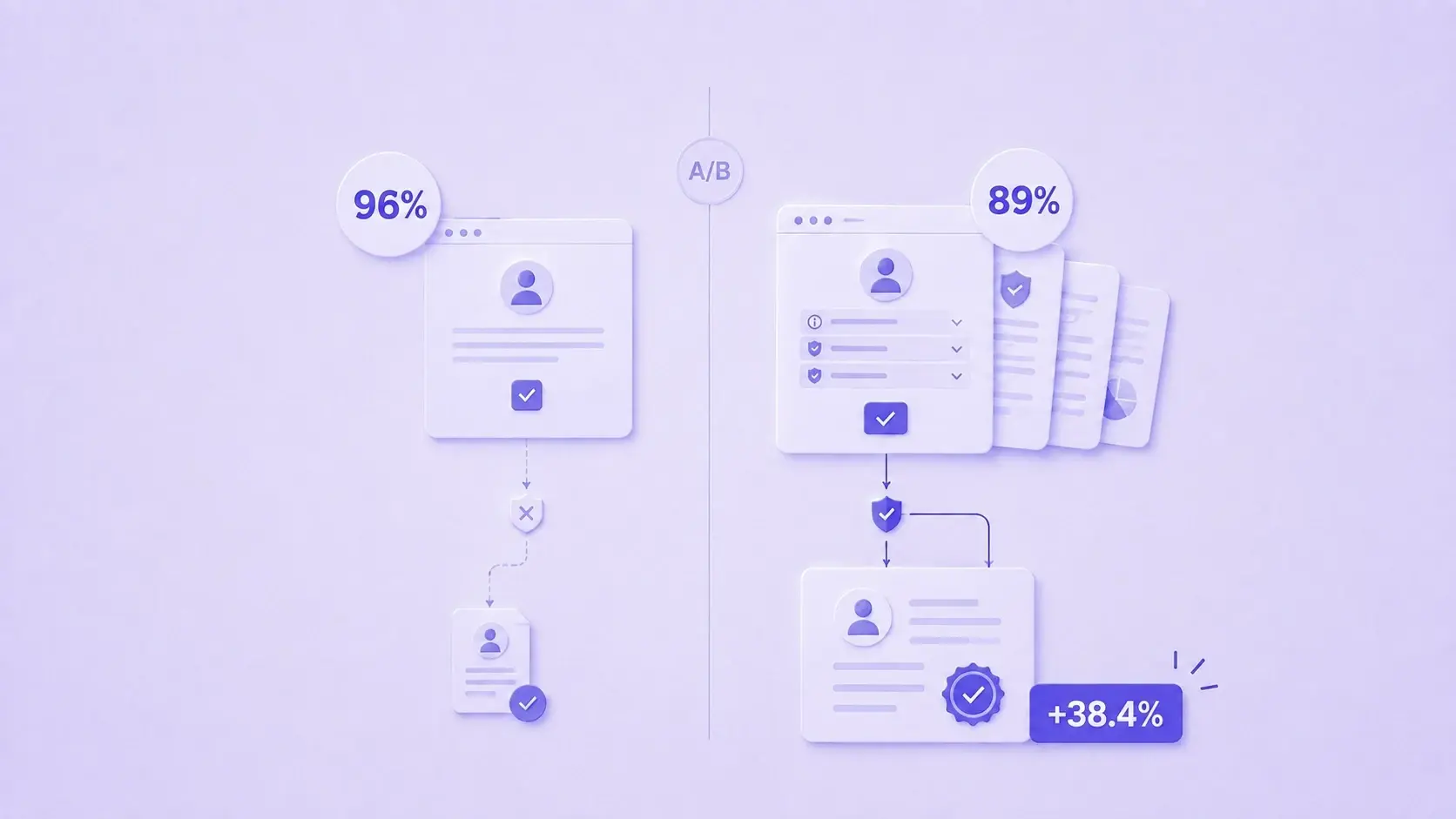
Insights
Transparency lifts conversion: what we learned designing consent under Law 21.719
6 min read · Aug 11, 2026Frequently asked questions
These are the questions that come up before integrating exclusion lists. If yours isn't here, write to us.
It's the record of people who asked not to be contacted on a channel or for a purpose, such as SERNAC's No Molestar registry, email unsubscribes or campaigns for one product. Each list defines which data and which use it blocks.
Consent authorizes processing, and an exclusion list prohibits it. Soyio stores them separately, so one person can have both on the same data. By default the most recent action wins, and you can configure restrictions to always take precedence.
No. Soyio records the restriction and your systems stop reaching out. To do that, they check the status before each send or subscribe to the webhooks that report every addition and removal.
The restriction is lifted, fully or in part, and the earlier record is kept. If the list is set up not to allow removals, the lift doesn't go through.
Only if the list has a duration or the restriction has its own expiry date. Without either, the restriction doesn't expire.
The restriction is tied to the identifier your system uses, not to a national ID number, email address or phone number. Sealed evidence can't be deleted, so it shouldn't contain personal data either.
Through the API. Lists, restrictions and status checks are handled from your integration. The restrictions module must be enabled on your account, even if you don't use the consent module.
START TODAY
Make every opt-out reach all your channels.
Book a demo to see how to record restrictions, check them before every campaign and prove every change.
Book a demoSubscribe to our newsletter
Privacy is making headlines
A weekly roundup of privacy, regulation, and technology news that could affect your business.
Subscribe (LinkedIn, opens in a new tab)